Cross Platform Team File Sharing – Including Complete Folder Structures
Share files and complete folder structures across platforms with your team.
Watch on YouTube →Glass Desktop Box tutorials
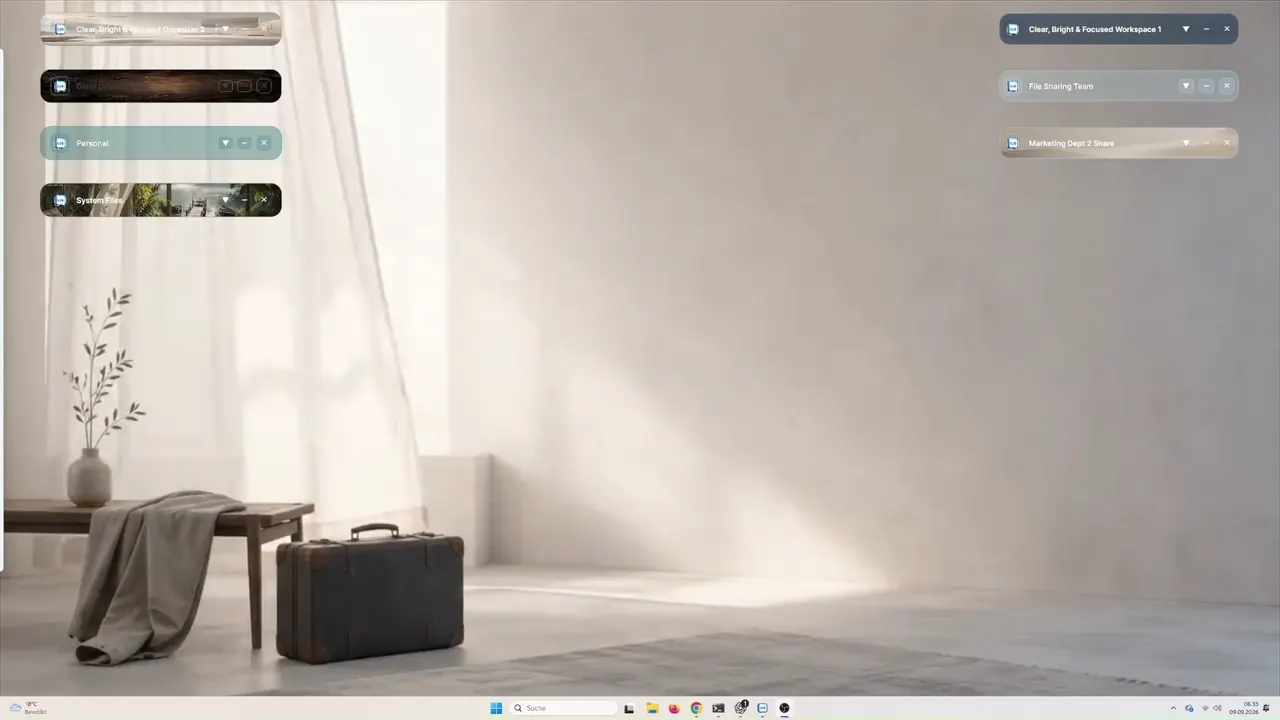
Eight practical video tutorials begin with preparation before installation and cross-platform sharing from a Workspace Box, then cover first steps, ready-made designs, invitation-based file exchange, animated Box backgrounds, PIN protection, the Box menu and preset setup.
Share files and complete folder structures across platforms with your team.
Watch on YouTube →Watch the recommended setup guide before installing Glass Desktop Box.
Watch on YouTube →Learn the essential controls and set up Glass Desktop Box safely after installation.
Play tutorial →Start quickly with ready-made desktop designs and preconfigured Boxes.
Play tutorial →Create an invitation and exchange selected files directly in just a few steps.
Play tutorial →Use animated backgrounds in your Boxes and protect selected Boxes with a local PIN.
Play tutorial →Understand the Box main menu and find its essential functions at a glance.
Play tutorial →Apply a ready-made preset after installation and adapt it to your own desktop.
Play tutorial →