Desktop Experience Collection

Underwater Worlds

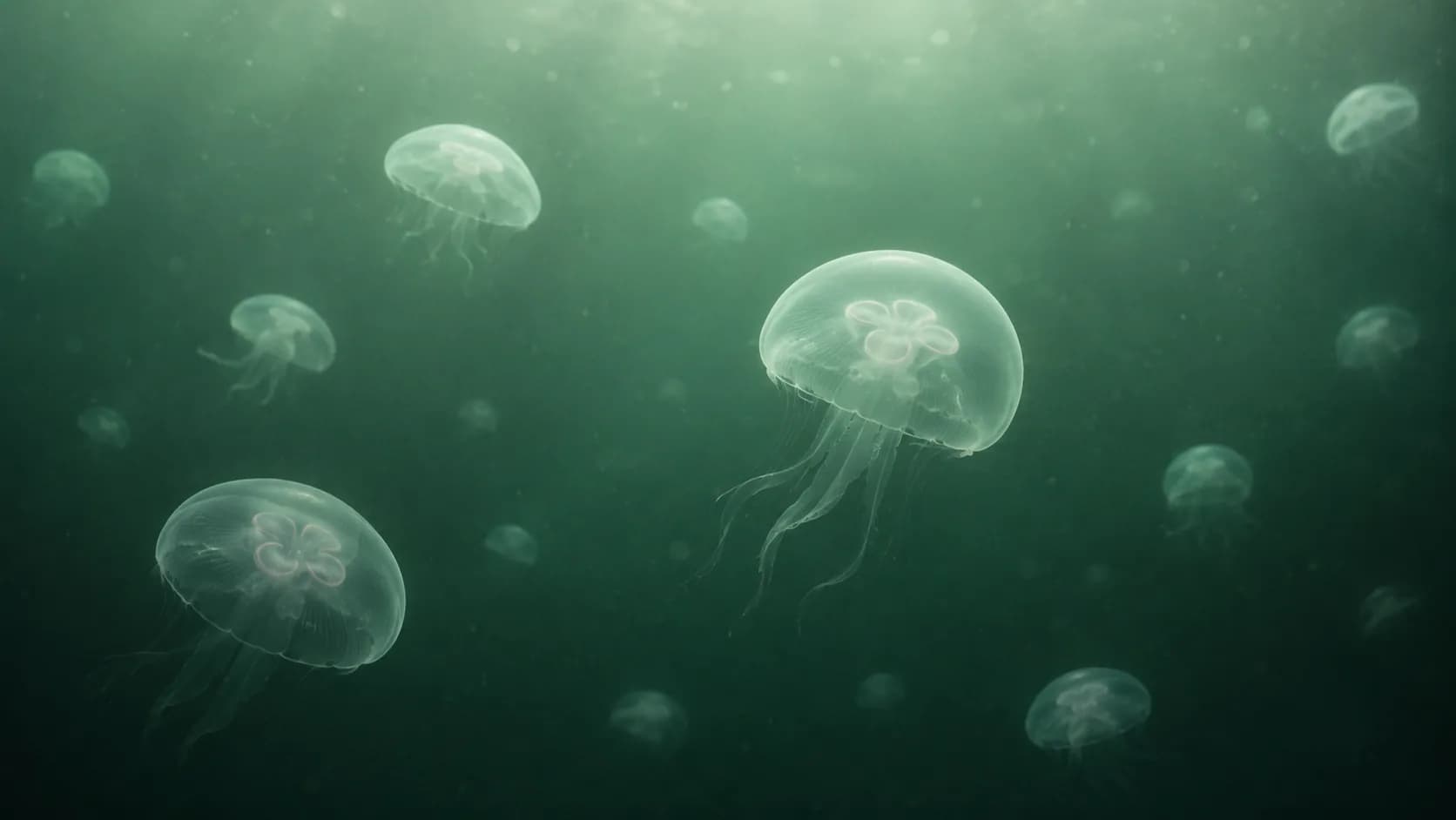
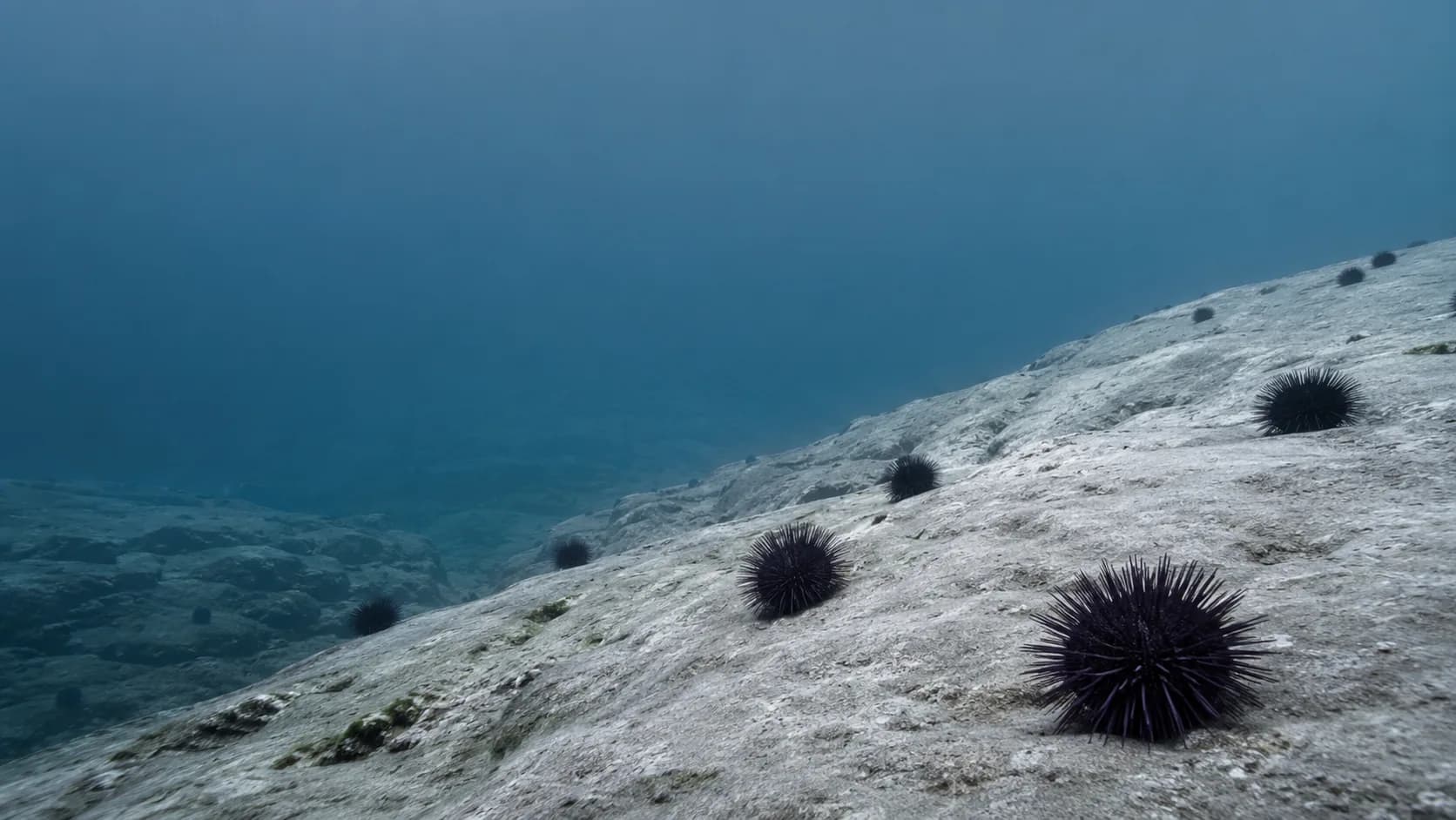
Underwater Worlds offers an immersive, low-noise environment for tasks that need calm attention and a little distance from daily urgency.

29 curated wallpapers for Glass Desktop Box.

Organize projects visually using interactive desktop workspaces and flexible layouts.

Built for your workflow

A immersive and calm workspace with a practical role.

Use the depth of the imagery to distinguish surface-level tasks from the one piece of work worth going deep on.

Best for

  • solo focus
  • reading
  • reflective planning

Productivity benefits

  • slows reactive task switching
  • keeps a gentle focus hierarchy
  • supports quiet review sessions

Recommended layout

Put Deep Work in the largest box, keep Surface Tasks small and separate, and store Reference material along the bottom.

Desktop Box style

Use cool, semi-transparent blue boxes with minimal visual chrome and clear white labels.

Workspace guide

How to usa Underwater Worlds for a more intentional desktop.

Built for your workflow

Use the depth of the imagery to distinguish surface-level tasks from the one piece of work worth going deep on.

reflective focus

Recommended layout

Put Deep Work in the largest box, keep Surface Tasks small and separate, and store Reference material along the bottom.

Desktop Box style

Use cool, semi-transparent blue boxes with minimal visual chrome and clear white labels.

Productivity benefits

  • slows reactive task switching
  • keeps a gentle focus hierarchy
  • supports quiet review sessions

Underwater Worlds gallery

Every wallpaper in this collection.

Choose a visual foundation, then adapt the Desktop Boxes, colors, and transparency to your own workflow.

Organize projects visually using interactive desktop workspaces and flexible layouts.
Workspace management technology that helps organize files, folders and documents.
Desktop organization software that transforms clutter into productive digital workspaces.
Visual workspace solution for organizing desktop files, projects and everyday business tasks.
Desktop productivity software that helps organize files into clean visual workspaces.
Organize desktop icons faster using structured project areas and visual workspace layouts.
Smart desktop workflow solution for professionals managing multiple business projects.
Visual file organization designed to improve productivity and reduce desktop clutter.
Desktop workspace software with customizable layouts for efficient project management.
Organize files into dedicated workspaces for faster navigation and better focus.
Modern desktop organization tool for improving digital workflow and efficiency.
Professional workspace organizer for managing documents, folders and creative assets.
Organize desktop content using intuitive visual workspace technology.
Desktop file organizer built for business users, freelancers and creative professionals.
Visual project workspaces that simplify file management and desktop organization.
Organize desktop folders into logical project groups with customizable layouts.
Desktop productivity begins with structured visual organization and clean workspaces.
Workspace management software for organizing digital files with greater efficiency.
Organize desktop projects visually without creating unnecessary folder structures.
Professional desktop organization platform for productive digital environments.
Smart workspace technology that improves desktop navigation and file accessibility.
Organize workspaces by project, client or department using visual desktop layouts.
Desktop organization software for users working with large collections of files.
Visual desktop workflow designed for efficient business and creative work.
Organize desktop icons into interactive workspaces for faster daily productivity.
Desktop organization solution with modern visual file management features.
Digital workspace organizer that helps maintain a clean and productive desktop.
Organize business documents into visual desktop workspaces for easy access.
Professional file organization software with flexible desktop customization.

Continue exploring

Make this collection part of a working desktop.

FAQ

Questions about Underwater Worlds.

Best for: Underwater Worlds

solo focus, reading, reflective planning

Recommended layout: Underwater Worlds

Put Deep Work in the largest box, keep Surface Tasks small and separate, and store Reference material along the bottom.

Desktop Box style: Underwater Worlds

Use cool, semi-transparent blue boxes with minimal visual chrome and clear white labels.

Productivity benefits: Underwater Worlds

slows reactive task switching keeps a gentle focus hierarchy supports quiet review sessions

Ready to use it

Make Underwater Worlds your next desktop environment.

Start with the collection, then tailor every Desktop Box to the way you work.

Download Glass Desktop Box