Best for
- research projects
- consulting work
- cross-functional coordination
Desktop Experience Collection
Explorer Worlds is designed for people moving between several projects, sources, and destinations while keeping the desktop navigable.
43 curated wallpapers for Glass Desktop Box.
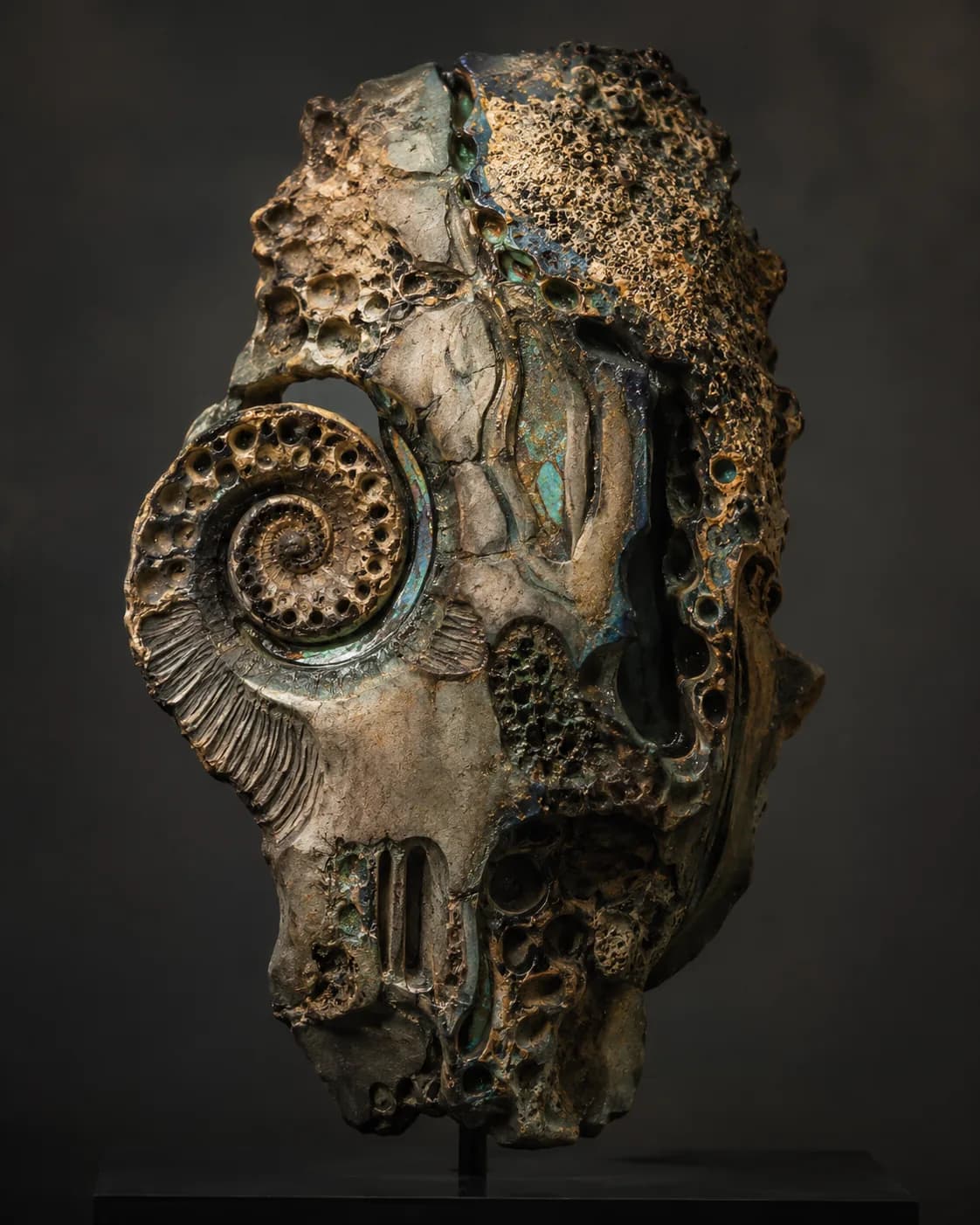
Built for your workflow
Treat each Desktop Box as a waypoint: active route, supporting material, and completed milestones.
Arrange three project boxes in a horizontal route, with a smaller Inbox box at the start and a Done box at the end.
Use lightly transparent boxes with crisp borders and distinct labels for each project route.
Workspace guide
Treat each Desktop Box as a waypoint: active route, supporting material, and completed milestones.
multi-project navigation
Arrange three project boxes in a horizontal route, with a smaller Inbox box at the start and a Done box at the end.
Use lightly transparent boxes with crisp borders and distinct labels for each project route.
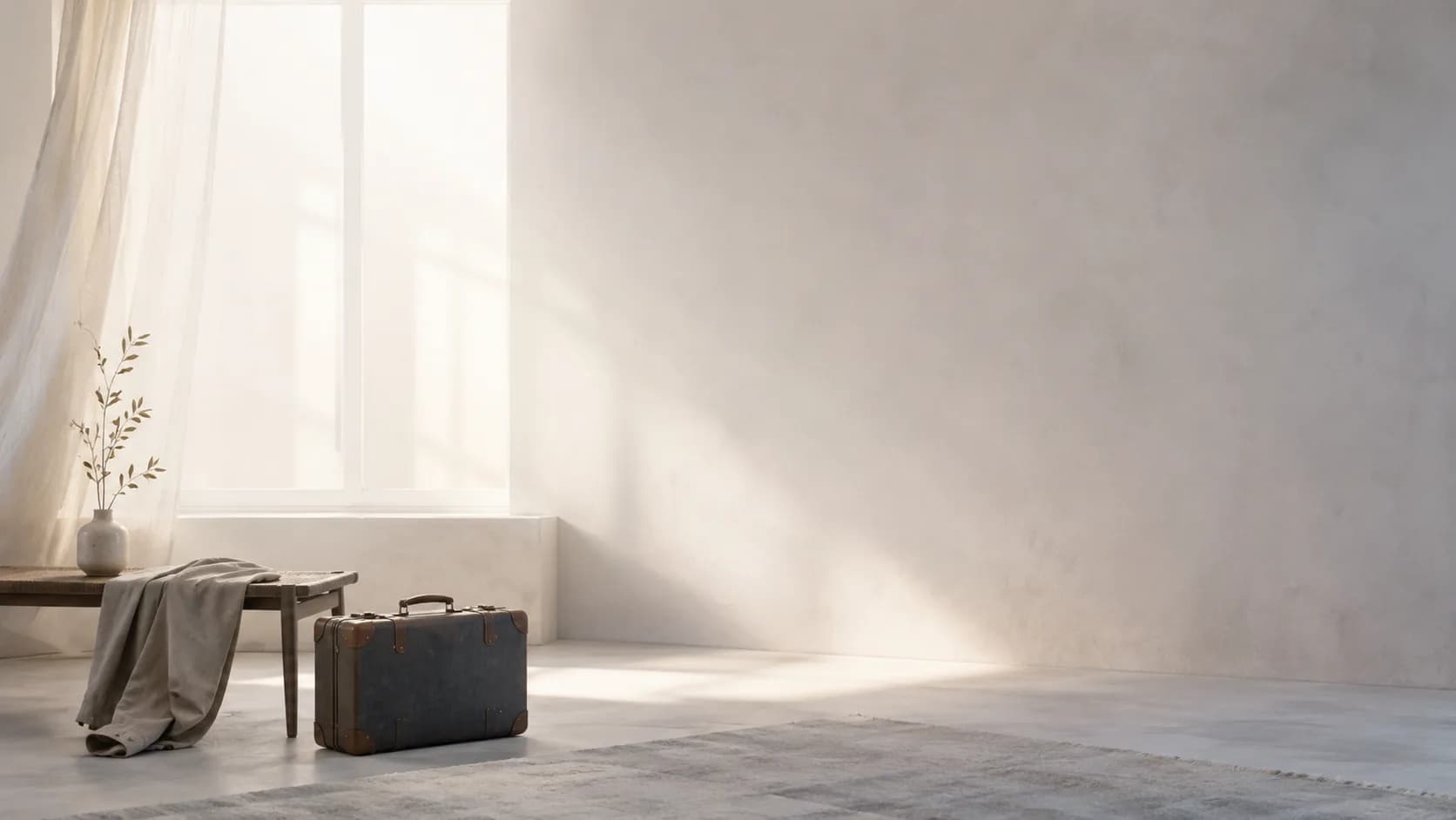
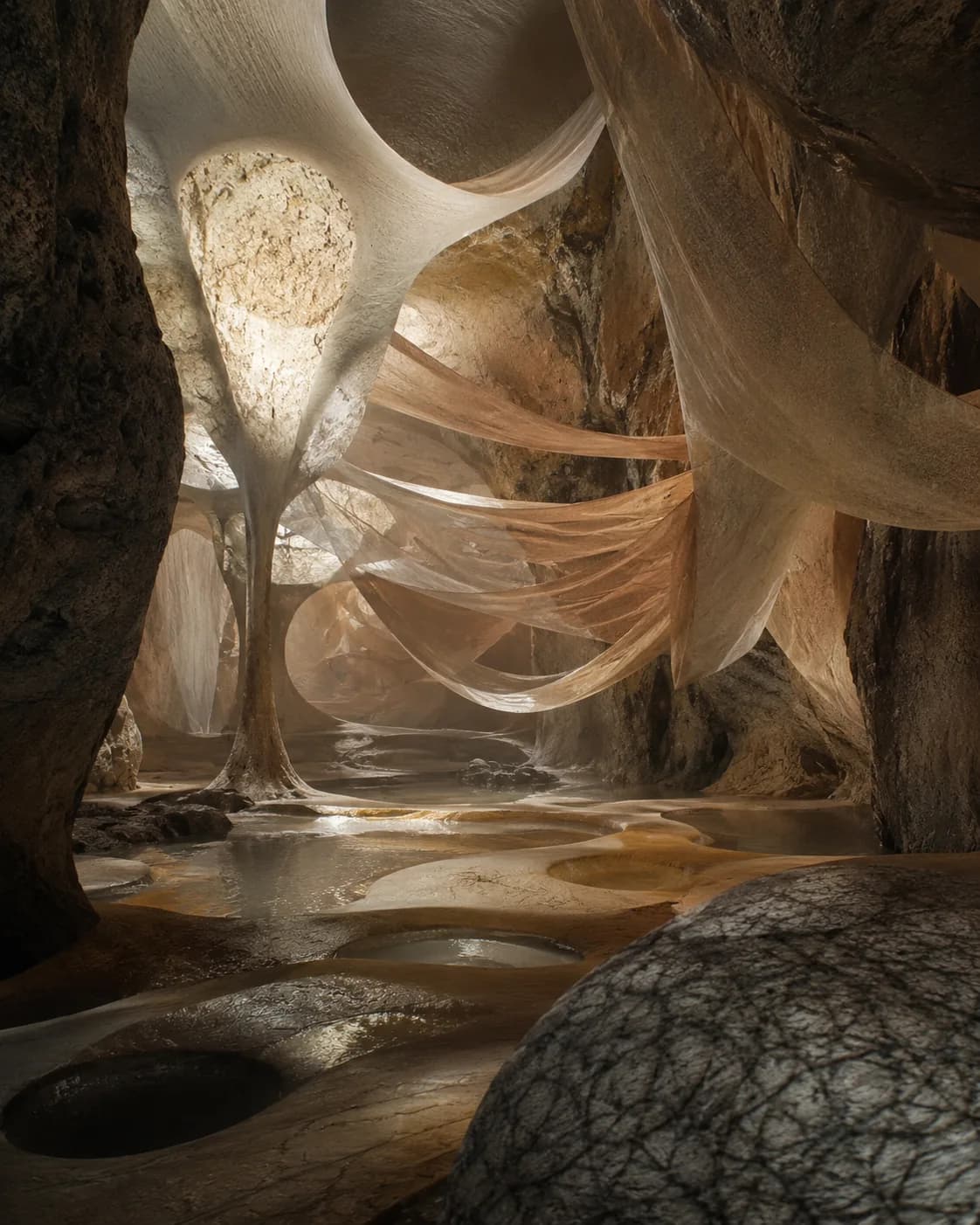
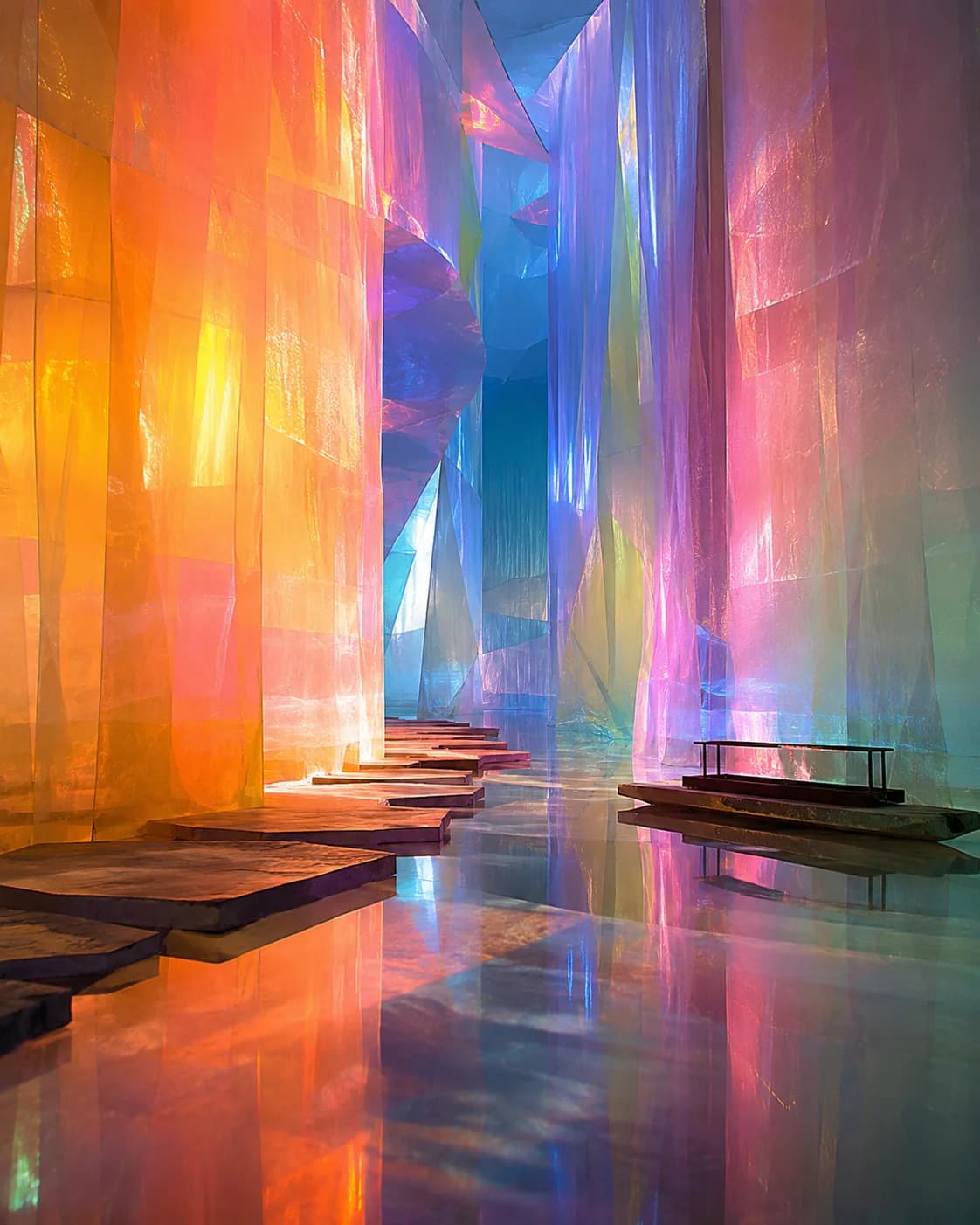
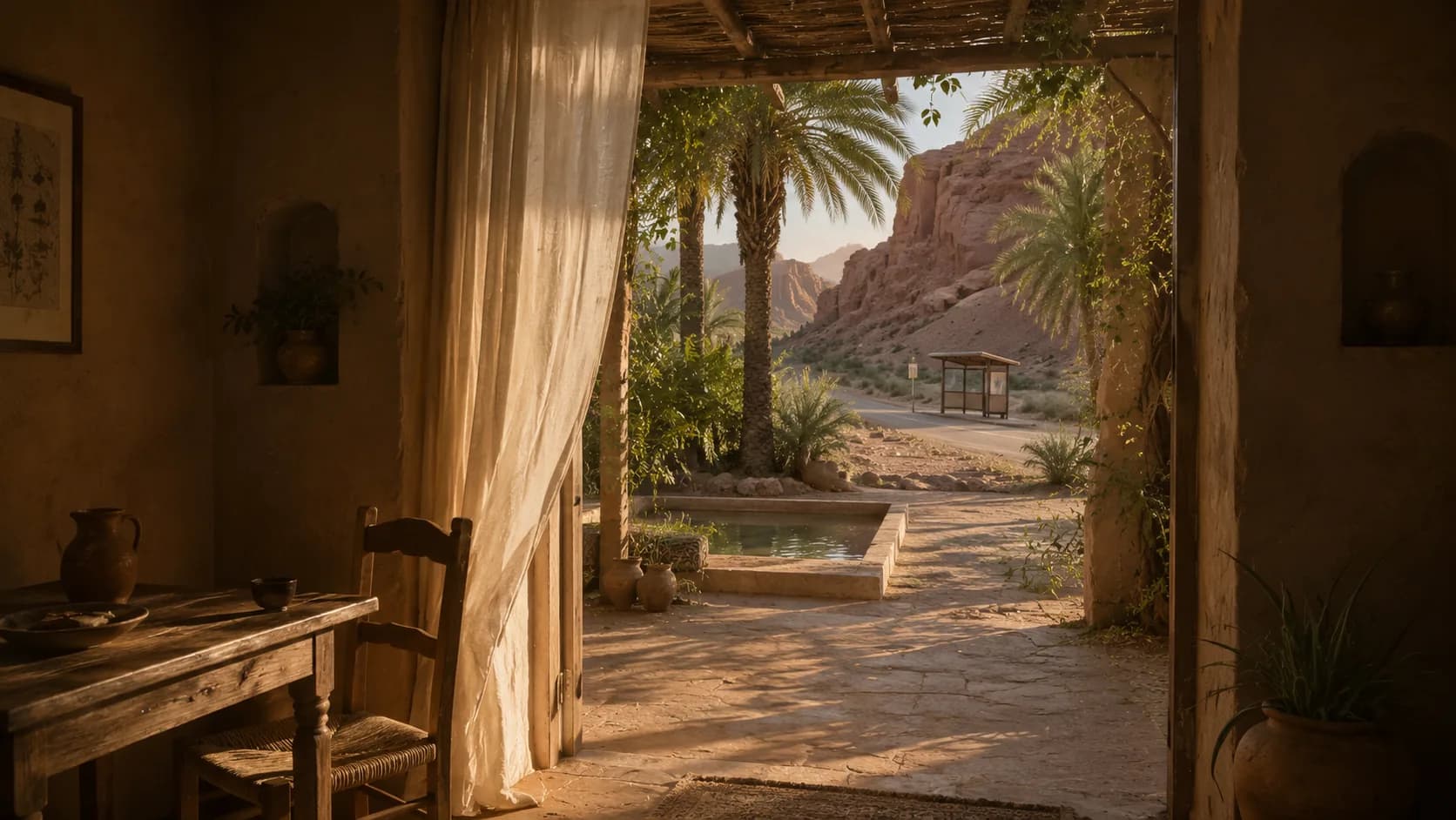
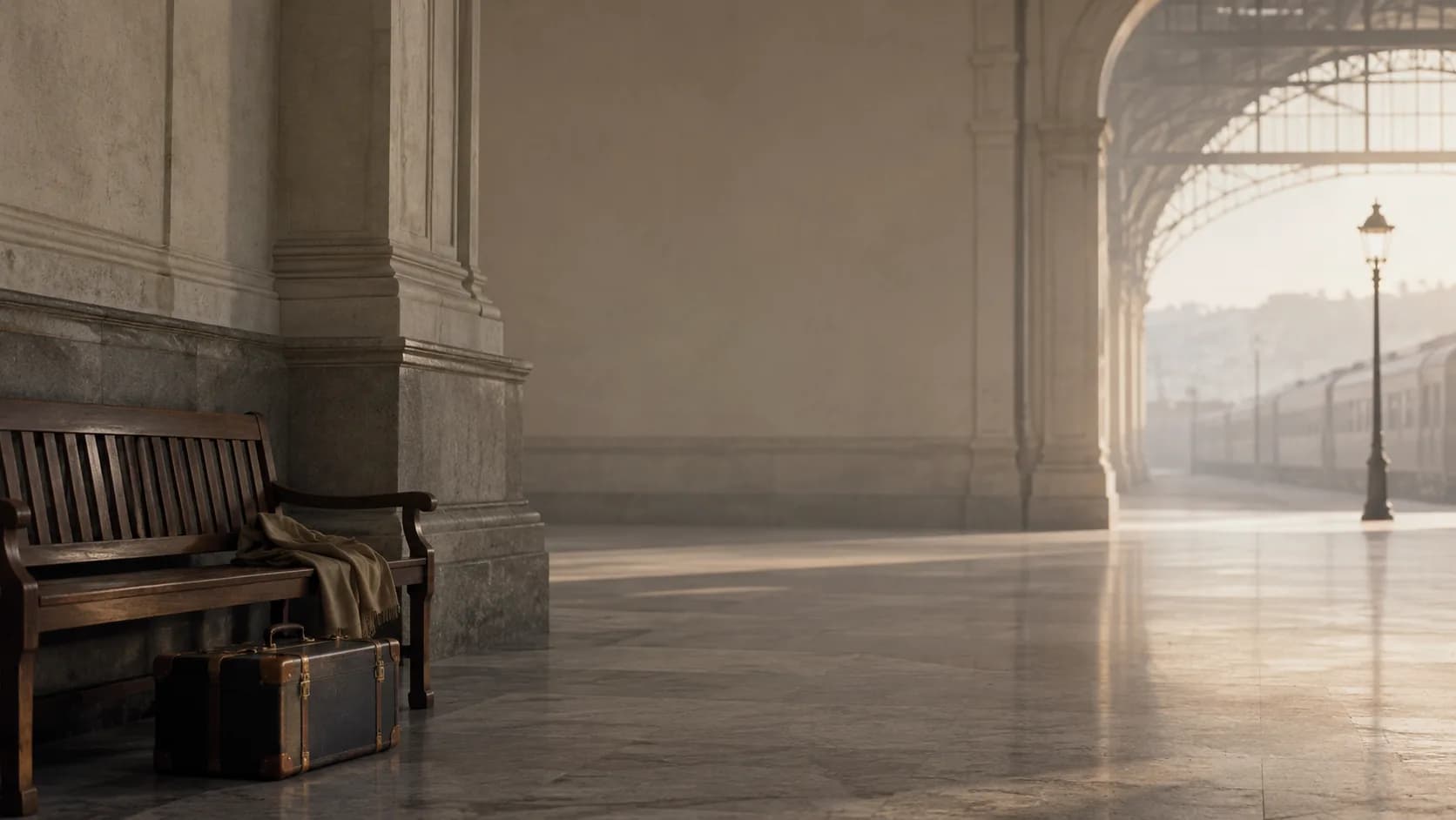
Explorer Worlds gallery
Choose a visual foundation, then adapt the Desktop Boxes, colors, and transparency to your own workflow.









FAQ
research projects, consulting work, cross-functional coordination
Arrange three project boxes in a horizontal route, with a smaller Inbox box at the start and a Done box at the end.
Use lightly transparent boxes with crisp borders and distinct labels for each project route.
maps parallel workstreams clearly reduces search time between projects supports quick handoffs
Ready to use it
Start with the collection, then tailor every Desktop Box to the way you work.
Download Glass Desktop Box